Phones & VoIP for Arizona small and midsize organizations

L4 Connect — Unified Communications
Receptionist in a sunlit Prescott office smiling while taking a call on a desk phone
L4 Connect · Hosted cloud phone & VoIP

Every call answered, wherever your team works.

L4 Connect is our own hosted cloud phone system, with Yealink desk phones and mobile apps. No phone server in your closet: we host, manage and support it all, and your local Arizona team is a call away.

One partner for voice

A phone system that fits how your office actually runs.

L4 Connect is the phone and unified communications service of L4 Solutions, an Arizona telephone, VoIP and IT provider for small and midsize organizations. We keep your numbers, set up your call flows, put the right phone on every desk and stay on call when you need us.

ArizonaLocal team, from the Quad Cities to the Valley
One partnerYour system, phones and support all from L4
100% hostedCloud phone system, nothing to maintain on site
Contractor taking a business call on his smartphone beside a pickup truck at a desert job site at sunset
Unified communications

Work smarter, anywhere, on any device.

Your office number goes with you to the job site, the clinic, or home. Desk phones, cordless handsets, laptops and smartphones all ring as one system, so customers always reach a person instead of a voicemail box.

  • Hosted in the cloud, managed by us
  • Desk, wireless, mobile & BYOD
  • Voicemail, IM, SMS text & fax
  • Collaboration & presence
  • Video conferencing
  • Built and supported by L4 Solutions
The L4 Connect platform

One phone system, built and backed by L4 Solutions.

L4 Connect is our own hosted cloud phone platform. We host it, support it and stand behind it, so you get one partner for your phones and one team to call. No phone server to buy or maintain on site.

L4 Connect by L4 Solutions

Business phone, messaging, video and contact center in one hosted system, set up around how your team works.

Hosted cloud
  • AI receptionistAnswer, screen and route calls around the clock, with call transcription and summaries.
  • Custom call flowsAuto attendants, business hours, holiday schedules and routing designed for your office.
  • One app, every deviceCall, video, chat and message from desk phones, Android, iOS, Windows, macOS and web.
  • Contact center toolsCall queues, wallboards, live chat and SMS from one place.
  • CRM & Microsoft 365Connect to Microsoft Teams, Microsoft 365, Google and popular CRM and helpdesk tools.
  • Recording & reportingCall recording and reports on call volume, wait times and who answered.
  • Managed & secureWe host the system, apply updates and monitor it, so you never have to think about it.
  • Flexible plansAdd users and locations as you grow. See pricing for how plans work.
See the full feature list
Yealink desk phones

The phones we install, set up for your team.

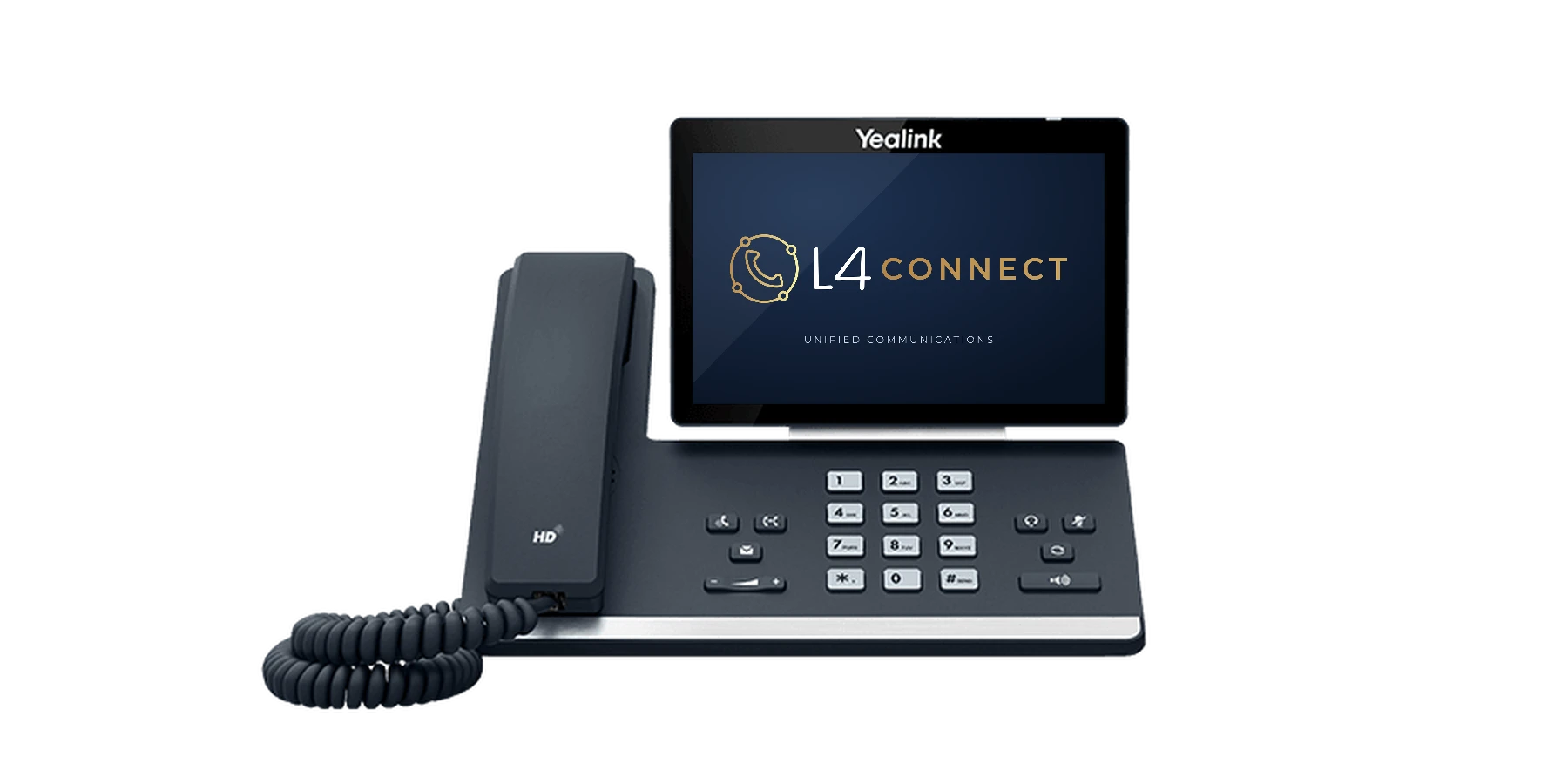
We carry Yealink IP phones and deliver them provisioned and branded, so every handset is ready to work the moment it's plugged in.

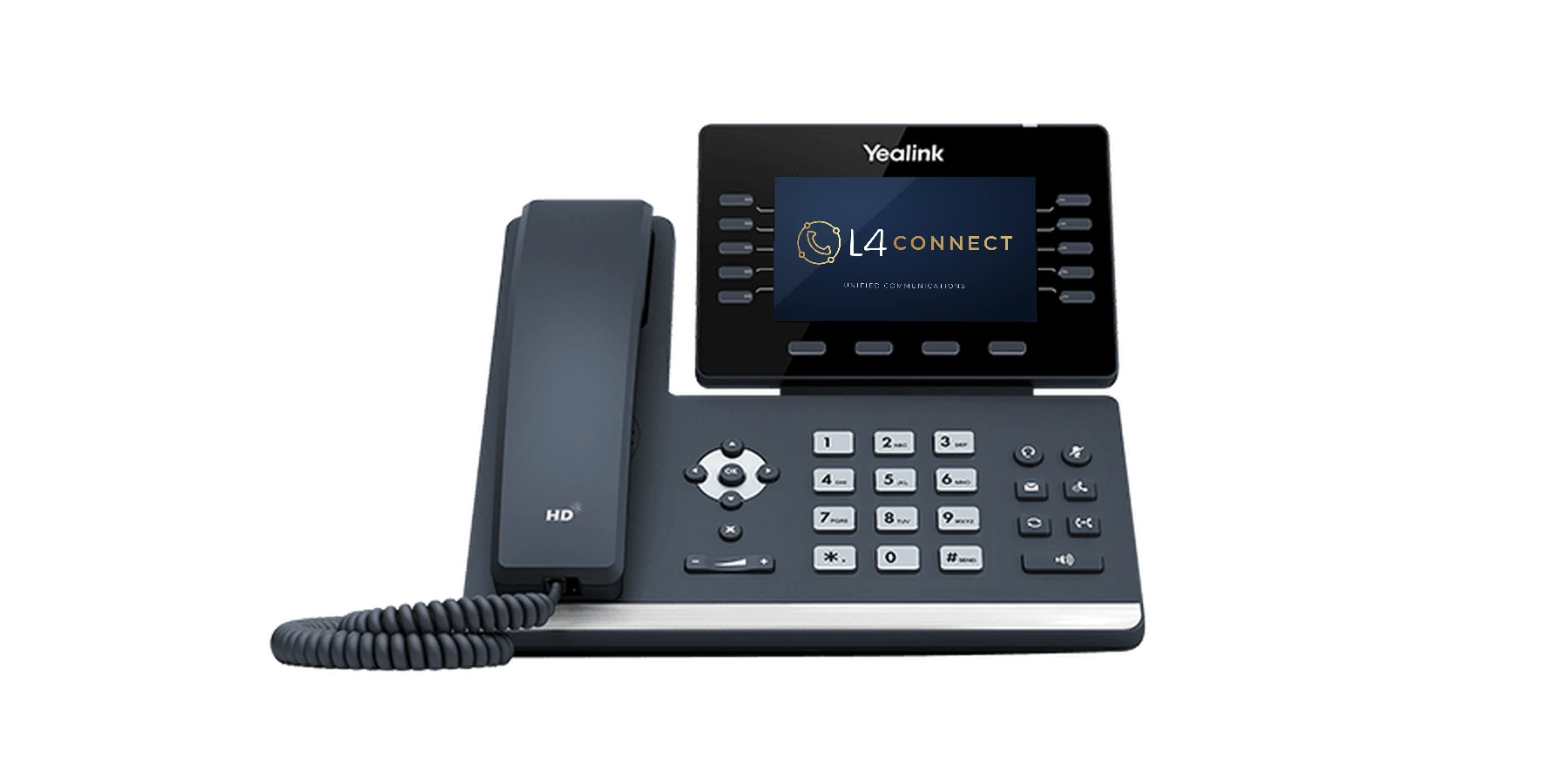
Yealink SIP-T57W desk phone displaying the L4 Connect logo on its touch screen
T5 Series · Executive

Yealink SIP-T57W

For managers and busy front desks that need a large touch screen and many line keys.

  • 7" 800×480 adjustable touch screen
  • Up to 16 VoIP accounts
  • Bluetooth 4.2
  • Dual-band Wi-Fi
  • Gigabit & PoE
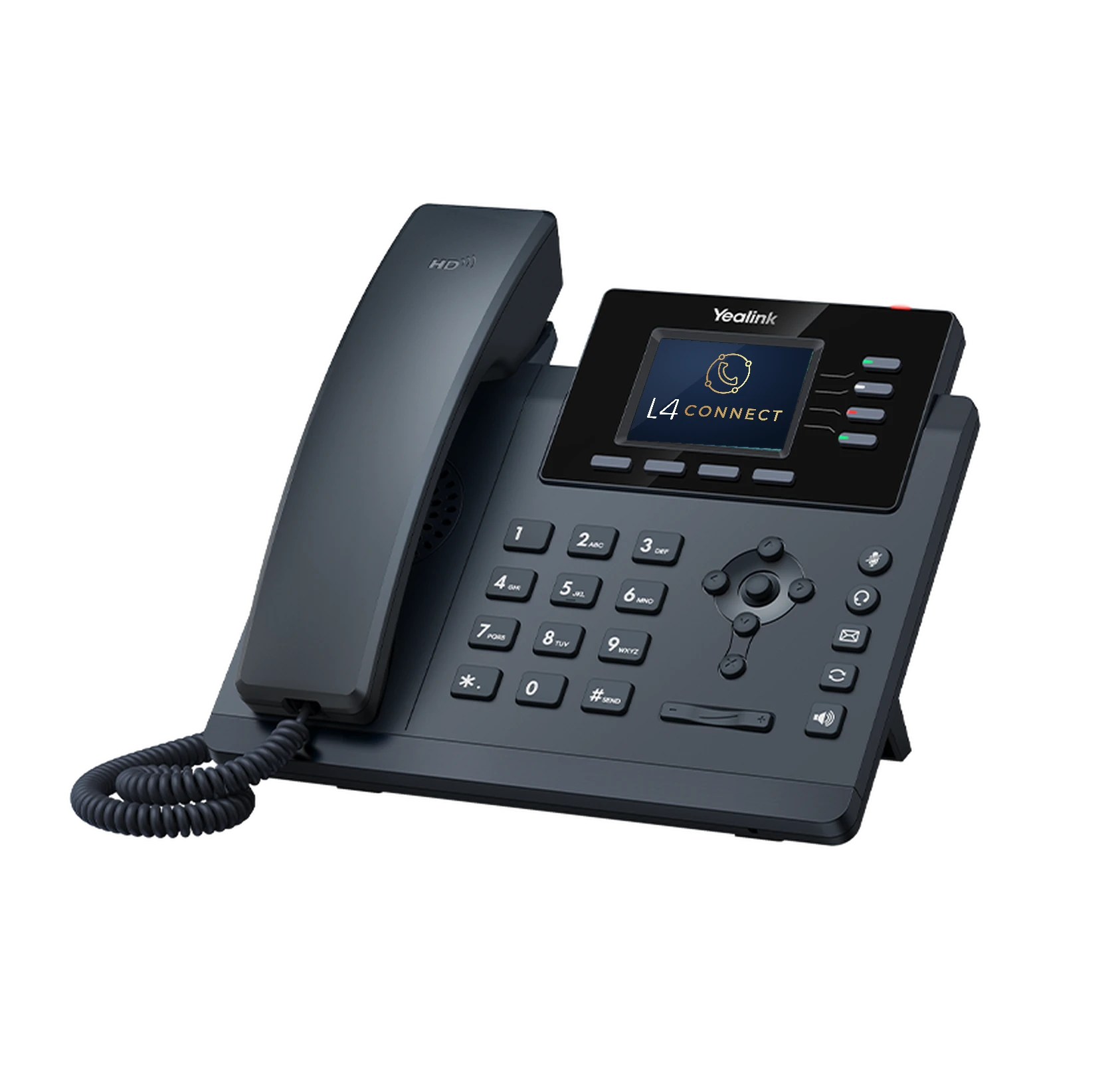
Yealink SIP-T54W desk phone displaying the L4 Connect logo on its screen
T5 Series · Professional

Yealink SIP-T54W

A mid-range phone for professionals with a moderate call load, with an optional DECT handset for moving around.

  • Adjustable color screen
  • Acoustic Shield
  • Bluetooth 4.2
  • Dual-band Wi-Fi
  • Up to 4 DECT handsets via DD10K
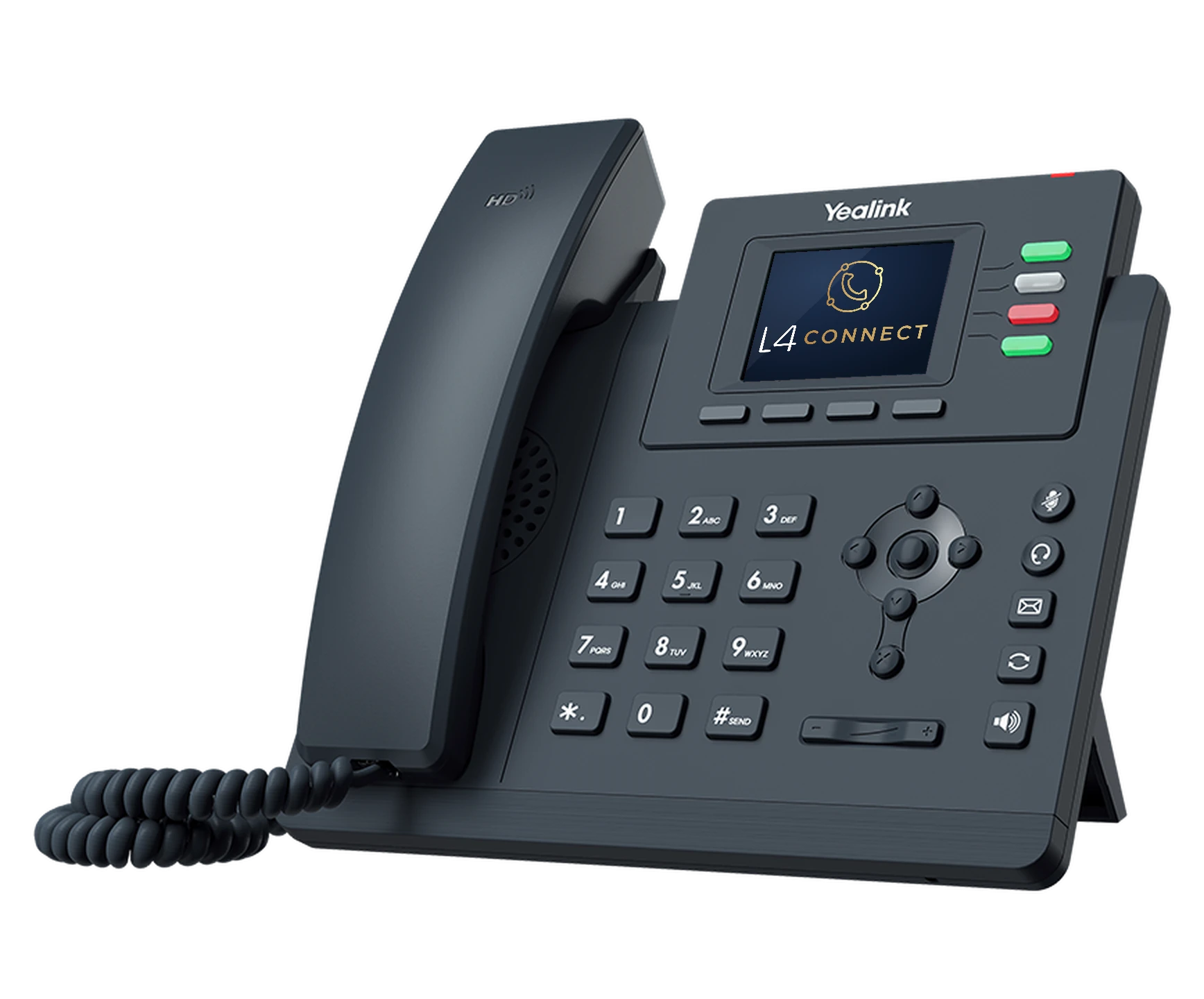
Yealink SIP-T34W desk phone displaying the L4 Connect logo
T3 Series · Wi-Fi

Yealink SIP-T34W

Color-screen desk phone with built-in Wi-Fi for spots where running cable is hard.

  • 2.4" color display
  • 4 SIP lines
  • 2.4G/5G Wi-Fi
  • USB headset port
Yealink SIP-T33G desk phone displaying the L4 Connect logo
T3 Series · Everyday

Yealink SIP-T33G

A cost-effective color-screen phone for every desk, break room and back office.

  • 2.4" 320×240 color display
  • 4 lines
  • Gigabit & PoE
  • 5-way conferencing
Also available

Cordless, conference and headset options.

Yealink DECT cordless handsets, conference phones for meeting rooms, expansion modules for reception desks, and wired or Bluetooth headsets. Tell us how each person works and we'll match the hardware.

Get a phone recommendation

Already have phones? L4 Connect works with hundreds of compatible IP phone models. We'll check what you can keep before you buy anything new.

Check my current phones
Features

Everything a modern phone system should do.

The core features come standard with L4 Connect. We set them up around your hours, your departments and the way your customers call.

Keep your numbers. Lose the copper lines.

We port your existing business numbers to a SIP trunk and handle the paperwork, so customers keep dialing the same number on day one.

How porting works

Auto attendant & IVR

"Press 1 for service" menus, business-hours and holiday schedules, and after-hours routing.

Ring groups & call queues

Send calls to the right team, with hold music, callback and queue wallboards.

Voicemail to email

Messages arrive in your inbox, with transcription available on supported plans.

Call recording

Record calls for training, quality and compliance, with reports on call activity.

AI receptionist

AI agents that can answer, screen and route calls 24/7.

Video meetings & chat

Meet, share screens and chat with your team from the same app as your phone.

Why L4 Connect

Local people behind every line.

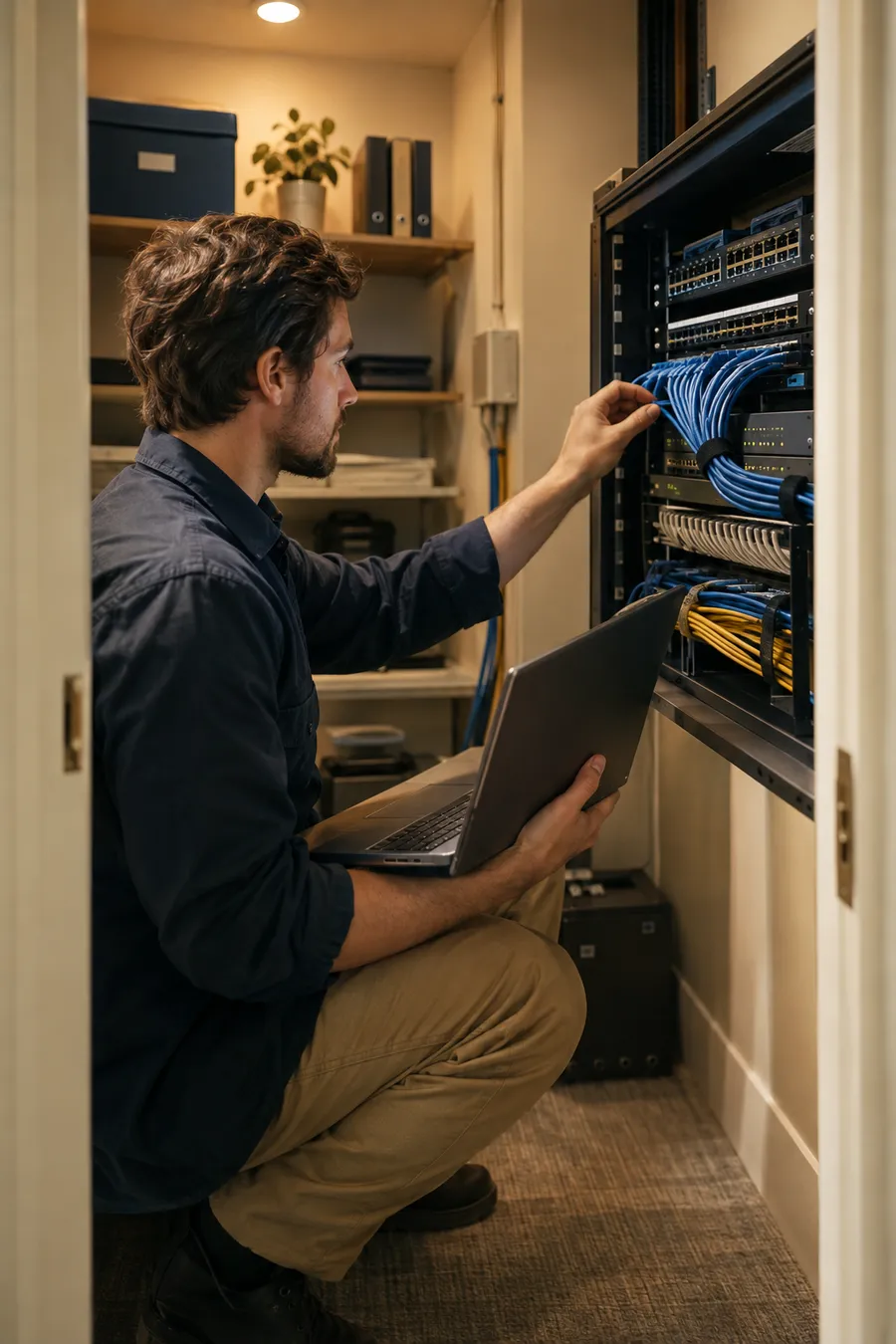
Technician patching network cables into a wall-mounted rack in a small office closet

Installed and configured by our team

We review your network, set up quality of service so voice comes first, provision every phone and test your call flows before go-live.

Team of four meeting around a conference table with a speakerphone and a red rock view

Predictable costs

Flexible licensing that fits your budget, users and growth plans, with lower line and long-distance costs than traditional phone service.

Clinic staff member answering a desk phone while a patient checks in

Support that picks up

Submit a ticket or call for urgent issues. Remote support for most requests, plus on-site visits by appointment across Prescott, Northern Arizona and the Phoenix metro.

Time for an upgrade?

Signs your phone system is holding you back.

If any of these sound familiar, a short call with us will show you what a modern system would change.

Missed calls

Calls go to voicemail after hours or when the front desk is busy, and some callers never call back.

Tied to the desk

Staff can't take an office call from a cell phone or laptop without giving out a personal number.

Rising line bills

You're still paying for analog lines and maintenance on an aging phone system.

Scattered tools

Phones, texting, video and chat all live in different apps with different logins.

No visibility

You can't see call volume, wait times or who answered, so problems go unnoticed.

How we work

A clear roadmap, not vague promises.

Four steps from your first call to a system your team can count on.

  1. Step 01

    Introduce

    A free 30-minute meeting to understand your organization, team and current phones.

  2. Step 02

    Evaluate

    An online or on-site review of your phones, numbers, internet and network.

  3. Step 03

    Design & implement

    A tailored L4 Connect system, installed, ported and configured by our team.

  4. Step 04

    Support & grow

    Ongoing monitoring, changes on request and a roadmap that scales with you.

Industries

Built around the way your field works.

Every business answers the phone differently. Here's how we typically set up L4 Connect for the organizations we serve.

Accountant in a Phoenix office talking on a wireless headset beside a desk phone
Professional services

Law, accounting and insurance offices get direct lines for each person, voicemail to email, CRM integration and mobile apps so client calls follow the professional, not the desk.

Contractors & field service

Office numbers on every technician's smartphone, dispatch ring groups, and texting from the business number so customers know who is on the way.

Real estate & property management

Lead lines that ring agents' mobile apps, a maintenance line with after-hours routing, and call reporting that shows which listings drive calls.

Retail, restaurants & hospitality

An auto attendant for hours and directions, overflow to a second location, and Wi-Fi desk phones where running cable isn't practical.

Nonprofits, churches & schools

Department menus, paging, volunteer extensions on personal phones without sharing personal numbers, and budget-friendly licensing.

Healthcare & dental

Front-desk queues, appointment-line menus, after-hours routing to the on-call provider and call recording for training. Desk phones at reception, cordless handsets for clinical staff.

What is L4 Connect?

L4 Connect is the business phone service from L4 Solutions. It's our own hosted cloud phone system, delivered with Yealink phones and supported by our Arizona team. You get one partner for your system, your phones, your numbers and your support.

Who do we call when we need help?

L4 Solutions, directly. Submit a support ticket or email info@l4solutions.com and our team will follow up. For urgent, business-down issues, call (623) 473-2500 so we can respond right away. We handle most requests remotely and schedule on-site visits when a visit is the better option.

Can we keep our current business phone numbers?

In almost every case, yes. We transfer (port) your numbers from your current carrier using a recent bill and a signed authorization. Ports usually take a few weeks, and your old service keeps working until the moment the numbers move. Don't cancel your old phone service yourself; the port completes the switch for you.

Why a hosted cloud phone system?

A hosted system reduces upfront hardware costs and scales easily as you add people or locations. There's no phone server on site to maintain: we host and monitor L4 Connect for you, and your phones work anywhere you have a reliable internet connection.

How fast does our internet need to be?

Voice calls use far less bandwidth than video, but they need a stable connection. A good rule of thumb is to plan about 1 Mbps up and down for each simultaneous call, then leave room for everything else on your network. During our evaluation we test your connection and set up quality of service (QoS) on your router so voice traffic always comes first.

What happens if our internet goes down?

We plan for it. Calls can automatically fail over to your mobile apps or cell phones, ring another location, or go to voicemail, so callers never hear a dead line. For offices that can't miss a call, we can also add a backup internet connection.

Can our team answer office calls from home or a cell phone?

Yes. The L4 Connect app runs on Android, iOS, Windows, macOS and the web. Calls show your business caller ID, not a personal number, and desk phones can be moved to any location with internet.

How does 911 work with VoIP?

Because VoIP phones can move, each line is registered to a physical service address so emergency responders are sent to the right place. We set up those addresses during installation. If you move a phone to a new building or work from home regularly, let us know so we can update its 911 location.

Can we send texts and faxes?

Yes. We set up voicemail, instant messaging, SMS text and fax as part of unified communications. Contact center plans also handle live chat and SMS from one inbox. One tip: we don't recommend using VoIP numbers to receive two-factor login codes, because some banks and apps block them.

Can we use our existing desk phones?

Often, yes. L4 Connect works with many existing IP phones. We'll check your current phones during the evaluation and recommend Yealink replacements only where they're needed.

How is pricing structured?

Plans are priced by the number of phones you need, starting at $119 a month, with monthly or annual billing. Pay annually to get two months free and free phones; a one-time implementation fee applies. See our pricing page for every plan, or book a free 30-minute intro and we'll help you pick.

Can we make changes ourselves?

Absolutely. L4 Connect includes a web-based admin portal for greetings, business hours, holiday schedules and extensions. If you'd rather not, submit a support ticket or call us and we'll make the change.

How do we get started?

Schedule a free 30-minute introduction meeting, a one-hour online meeting, or an in-person appointment. We'll learn how your organization works and recommend a plan.

Let's talk

Let's talk about your phones.

Book a free 30-minute introduction, or call the office closest to you. We'll learn how your team works and recommend the right system.

Request a free consultation

Interested in

We'll get back to you promptly. Your information is only used to respond to your request.

Call Book intro